
Gemini Live now speaks Italian. Everything you need to know
Talk for free with artificial intelligence inside your mobile phone, in a free conversation.

4' min read
4' min read
Talk for free with artificial intelligence inside your mobile phone, in a free conversation. Since a few days it is also possible to do so in Italian, with Google's Gemini Live service. It is similar to Chatgpt's "advanced voice" but with the main difference that it is free without limits (with Chatgpt it is a maximum of one hour per day).
What is Gemini Live
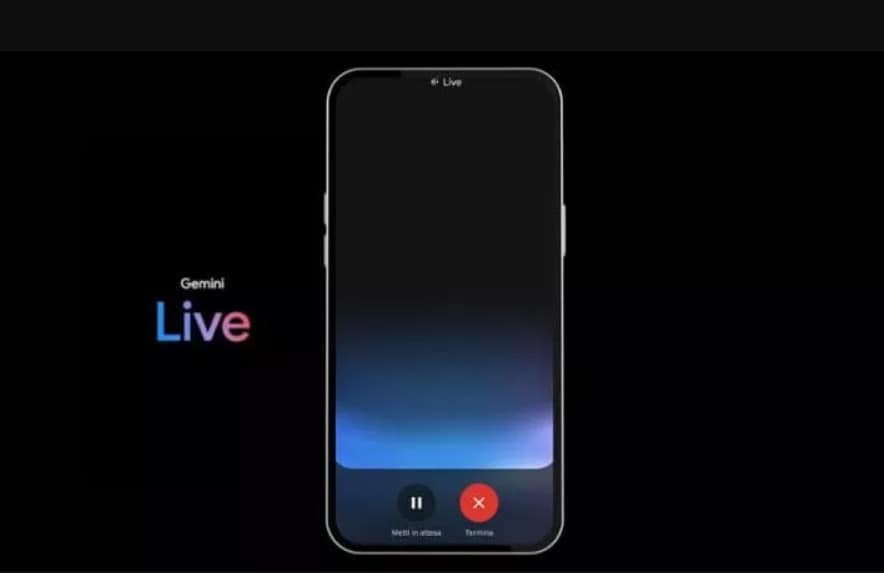
Gemini Live is a Google service with generative artificial intelligence. The word 'live' indicates the ability to converse freely with Gemini (Google's AI) in a more natural way. We can also interrupt it, for instance when you want to add more details or change the topic of the conversation. With Gemini Live it is therefore possible to have a fluid conversation, brainstorm ideas aloud, ask for information on topics of interest, practise a speech or in a foreign language. Of all these conversations we can then find the transcript by clicking on the chat icon at the top left (here are also the interactions with normal Gemini).
What you need for Gemini Live
To use Gemini Live you need an Android phone or tablet. Then you access it via the Gemini mobile app or via the Google Assistant if you have converted it to Gemini. For now, Gemini Live is not available in the Gemini web app, in Gemini in Google Messages or in the Gemini tab of the Google app on the iPhone.
How to use Gemini live
We download the Gemini app. Here to start live we click on the three lines . Alternatively, do this in the Google Assistant if it is set up with Gemini (in the Google Assistant settings we can choose whether to keep the basic Google Assistant or Gemini). In the latter case, just say "Hey Google" to start Gemini and then click on the three lines to start Live mode.
In all cases, if we click on the icon representing our Google account (top right) we can choose in the settings the Gemini voices to be used (the language and the type of voice, male, female, energetic, calm, etc.). Italian is the default for Italian users, but we can also add other languages. There is also the option to interrupt Live replies by simply speaking - as we would with another person; without risking sounding rude. But there is also the button to pause the conversation, so that we can resume it whenever we want.

