Here is PartyRock, the AWS platform for learning Ai
We tested the generative AI app creation tool, based on Amazon Bedrock, to create apps in minutes.
3' min read
3' min read
It is called Partyrock and has been designed by Amazon Web Service with the aim of making learning generative AI accessible to all by experimenting with the use of prompts, i.e. the instructions you give to artificial intelligence to get relevant answers to the question. The aim is to create an open and stimulating playground to test oneself with generative AI, learning the techniques needed to take full advantage of various LLMs, concatenating different prompts to get more targeted answers.
How it works
.PartyRock provides developers with access to foundation models (FM) from leading AI companies including AI21 Labs, Anthropic, Cohere, Meta, Stability AI and Amazon via Amazon Bedrock in an 'intuitive, code-free app creation playground'. In practice, you can quickly and easily create mini-apps ¬for a wide variety of needs and where the limit is only creativity, delivering results in seconds and allowing you to focus on creation instead of the complexity of development. For example, it is possible to recommend what to cook based on the ingredients in the larder, analyse and optimise the budget of a party or create a storyteller to organise a fantasy role-playing campaign. All this while experimenting with different advanced language models (Claude 3, Llama or Titan, for instance) and sharing your creations online if you wish.
AWS PartyRock, how to get started
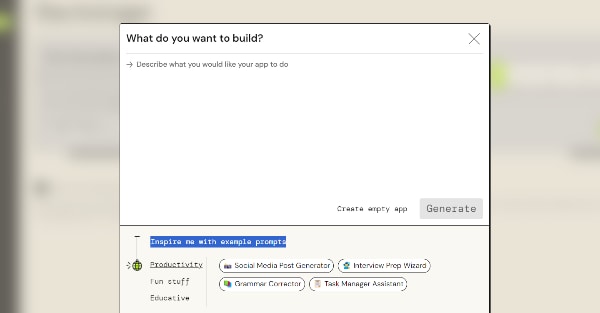
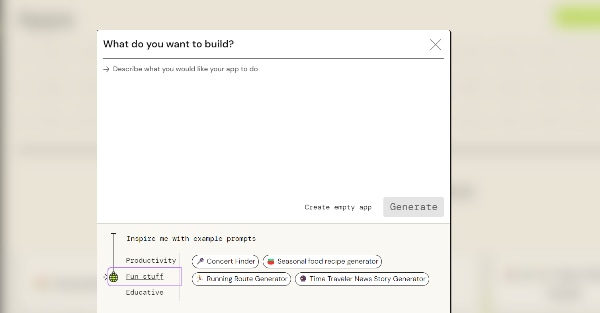
Access to PartyRock is simple thanks to an instant access user interface, which is separate from the AWS Management Console and does not require a specific account. You can experiment with prompts of your own creation or get started quickly using predefined templates.
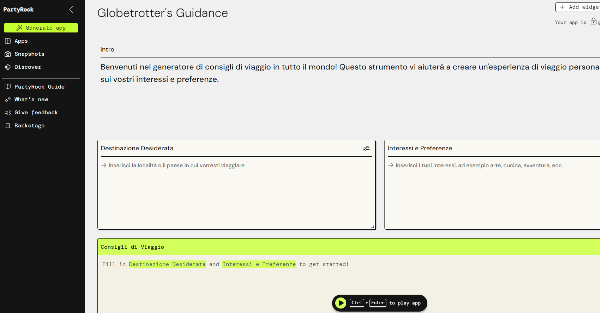
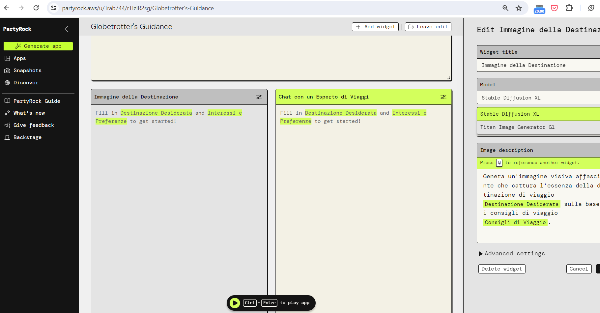
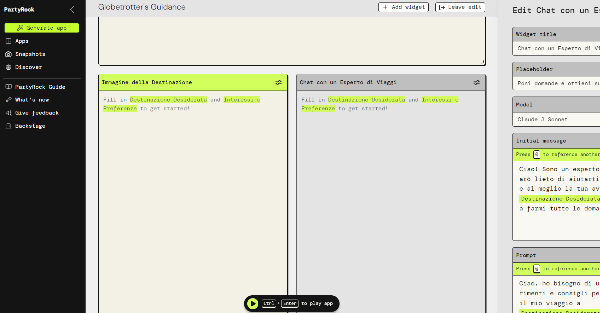
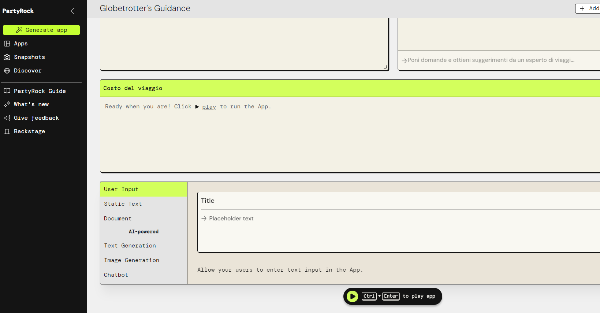
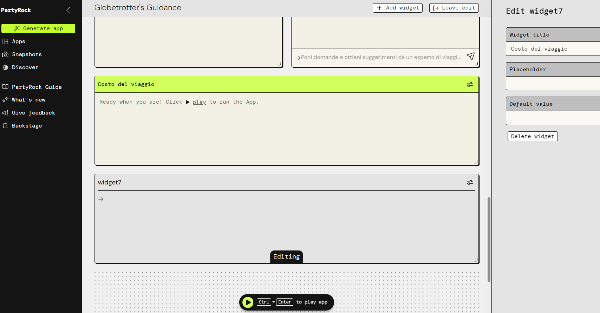
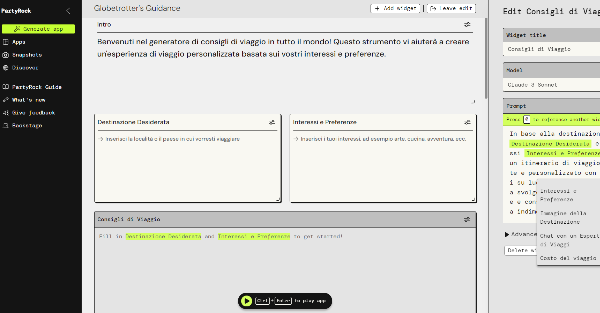
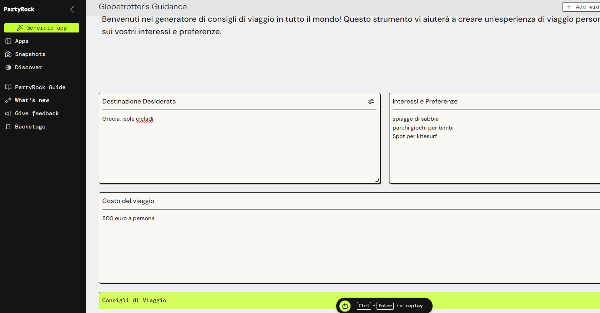
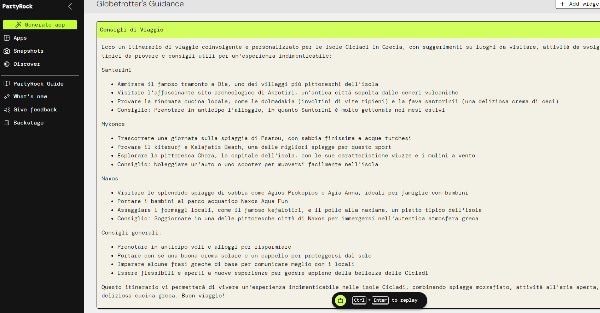
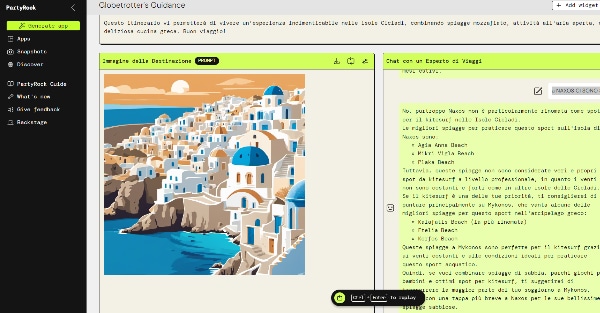
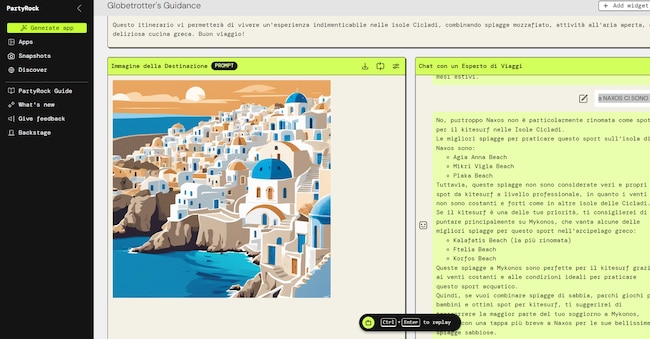
We tried to make a demo and, given the approaching summer holidays, the choice fell on an app capable of giving travel advice. The app's interface is in English, but fortunately the instructions can be entered in Italian, as the various LLM (Large Language Models) are multilingual.
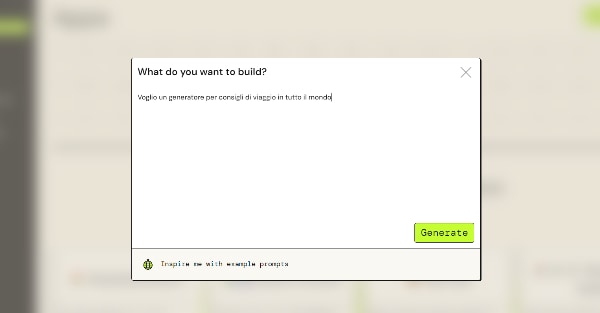
After creating a free account through Google, the first thing we did was to click on the button at the top of the left-hand column 'Generate App'. This opens the "What do you want to build?" window, where we write down what we want the app to do.